

Upload your photo
Any JPG, PNG or WebP works, including a phone photo. High contrast and a clear subject give the cleanest cut lines.
Turn any photo into a clean, cut-ready stencil in seconds. Upload an image, tune the lines, download a printable stencil — free, no signup to try, no watermark.
Three steps, about a minute — nothing to install.
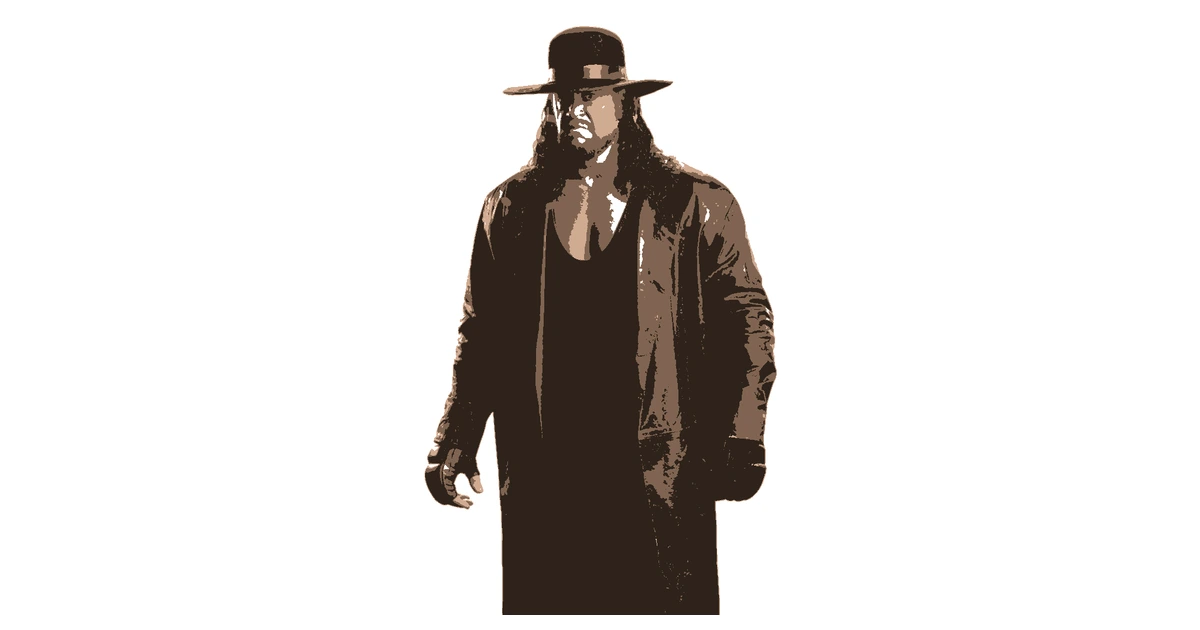
Any JPG, PNG or WebP works, including a phone photo. High contrast and a clear subject give the cleanest cut lines.
Drag the threshold until the shapes read clean. Anything that would fall out when you cut is highlighted — bridge it, or move it to a touch-up layer.
Get a print-ready PDF or PNG sized for A4 or Letter with a free account. Print at actual size and cut. Pro adds larger tiled prints.
The converter drops the greys from your image and leaves a two-tone template you can actually cut. In a print mask, black marks the cutouts and white is the material you keep. Fine detail needs connected pieces.
Start with a face, a logo, a pet or your own artwork. Create a custom stencil and refine each layer.
TURN A PHOTO INTO A STENCIL →ONE PHOTO. THREE LAYERS. YOUR NEXT PROJECT.Editing is free with no account: layers, island detection, bridges, touch-up layers and the full editor on mobile. A free account downloads PNG and print-ready PDF with up to 3 layers, one page per layer, and no watermark.
Pro adds every layer in your download, SVG, DXF, one-click Cricut export and full-size multi-page printing. $10/month, $90/year, or $99 once. Paid upgrades are not available yet.
All editing tools are included. Projects currently support up to 24 layers.
Billed monthly when upgrades launch
One payment. No renewals.
Paid upgrades are not available yet. Free accounts can start creating now.
Pro gives you a single SVG with every layer pre-aligned. Open it in Design Space and check the dimensions before cutting.
CRICUT STENCIL MAKER →Export DXF with closed paths at real-world scale on Pro. Inspect the imported paths and set up your material in your cutting software.
LASER CUTTING STENCIL MAKER →Export PDF separations, one per colour layer, with registration marks to line them up. Free accounts download up to 3 layers.
SCREEN PRINTING STENCIL MAKER →Pro tiles larger stencils across A4 or Letter sheets with registration marks. Align the sheets, tape, cut and paint.
PDF STENCIL MAKER →Set a single layer, push the threshold for bold lines, export a PDF and print with compatible thermal transfer paper and equipment. Check the printed scale and line quality before transferring.
PRINTABLE TATTOO TRANSFER TEMPLATES →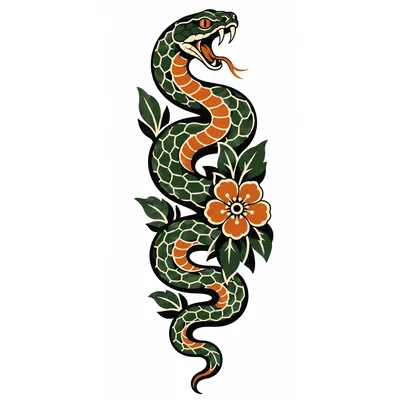
Don't want to make one from scratch? Start with our pumpkin carving stencil for Halloween. Open the pattern, adjust it to your project and download PNG or PDF with a free account.
BROWSE FREE STENCIL TEMPLATES → PUMPKIN CARVING STENCILS →
Editing is free with no account: layers, island detection, bridges, touch-up layers and the full editor on mobile. A free account downloads PNG and print-ready PDF with up to 3 layers, one page per layer, and no watermark.
No — you can build a whole stencil without an account. A free account is only needed to save projects or download the finished file. No card is required.
Yes, the full editor runs in a mobile browser. No app to install. You can upload a picture from your phone, adjust the layers and print your result.
PNG and print-ready PDF on the free plan. Pro adds SVG, DXF and one-click Cricut export. Free downloads have no watermark.
Yes. Use aligned SVG for Cricut, SVG or DXF for compatible laser software, and PDF or PNG separations for screen printing. Vector exports require Pro. Check size and material settings in your machine software.
Yes. Refine a single layer, download a PDF and use compatible thermal transfer paper and printing equipment. Check scale and line quality first. Try the tattoo stencil maker.
Free and Pro users may use stencils made from their own artwork, or artwork they are authorized to use, for personal and commercial projects, including client work and physical products. You retain any rights you hold in your original artwork. StencilMaker.app does not grant rights to third-party images, characters, trademarks or other protected content. You are responsible for obtaining the permissions needed for your use. Using the editor does not grant permission to resell or redistribute the StencilMaker.app service or branding. Demo images and library templates are governed by their stated source or license; a preview is not a blanket commercial license. Read the commercial-use terms.
Still have questions? Contact support →
Upload a photo and make your first stencil in about a minute.
Editing needs no account. Download with a free account.